

New
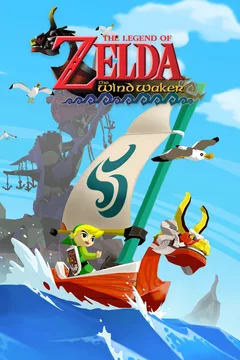
Recompiled classics
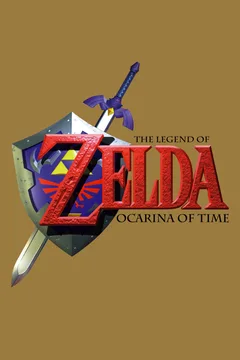
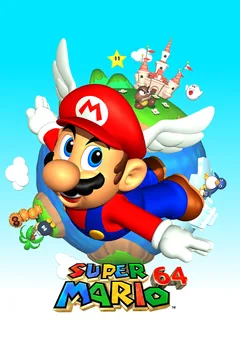
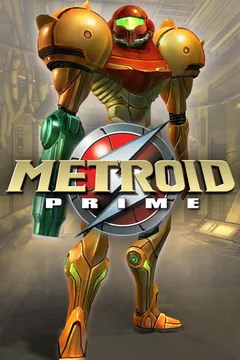
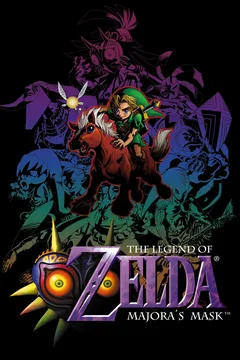
Zelda Ocarina of Time, Super Mario 64, Metroid Prime and 17 more classics running natively on PC, no emulator. Point the Hub to your copy of the game and it downloads, sets up and launches it.
Download, install and play in one click. Achievements, playtime, friends online and cloud saves — in a free app, made in Brazil.
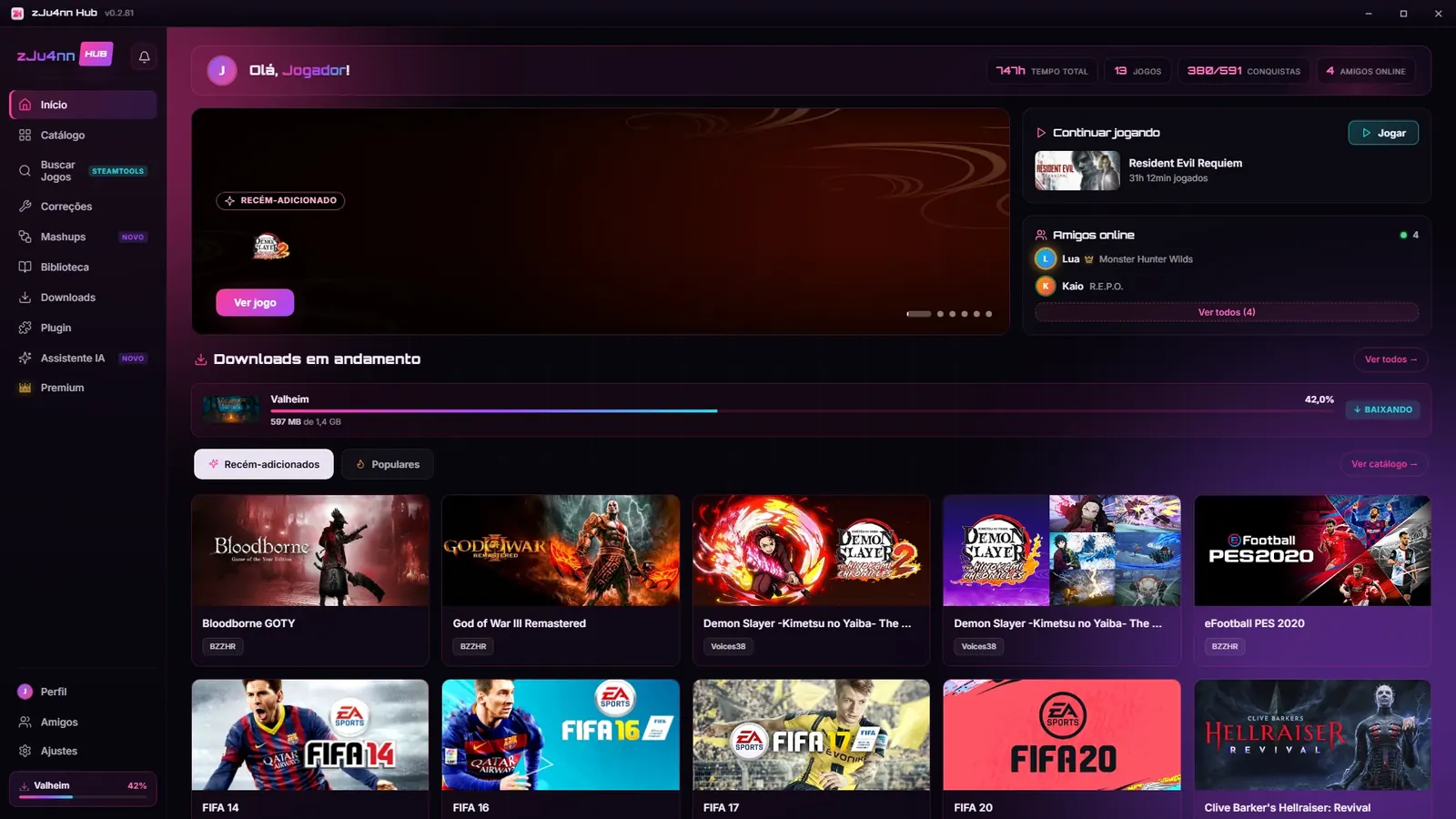
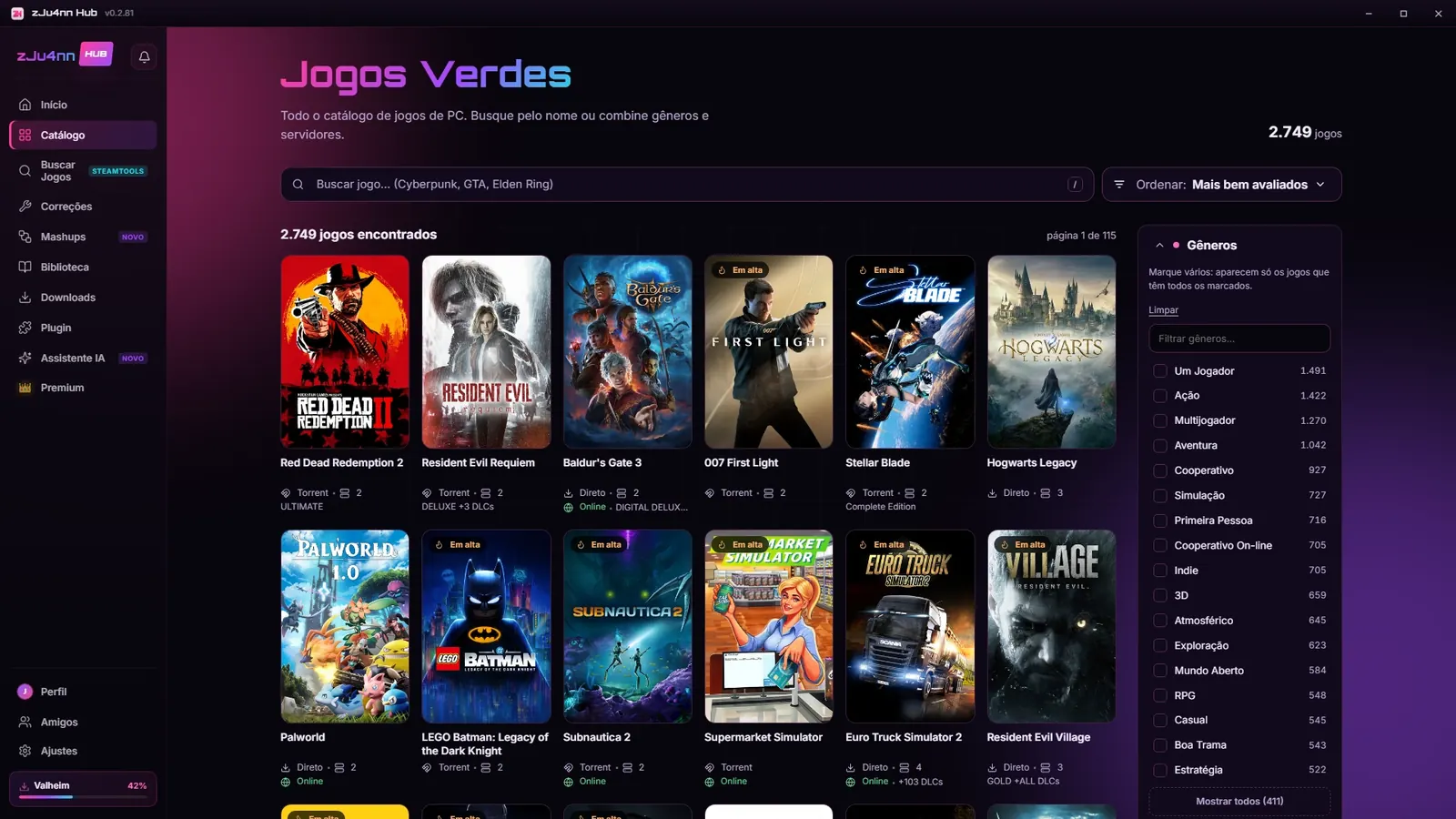
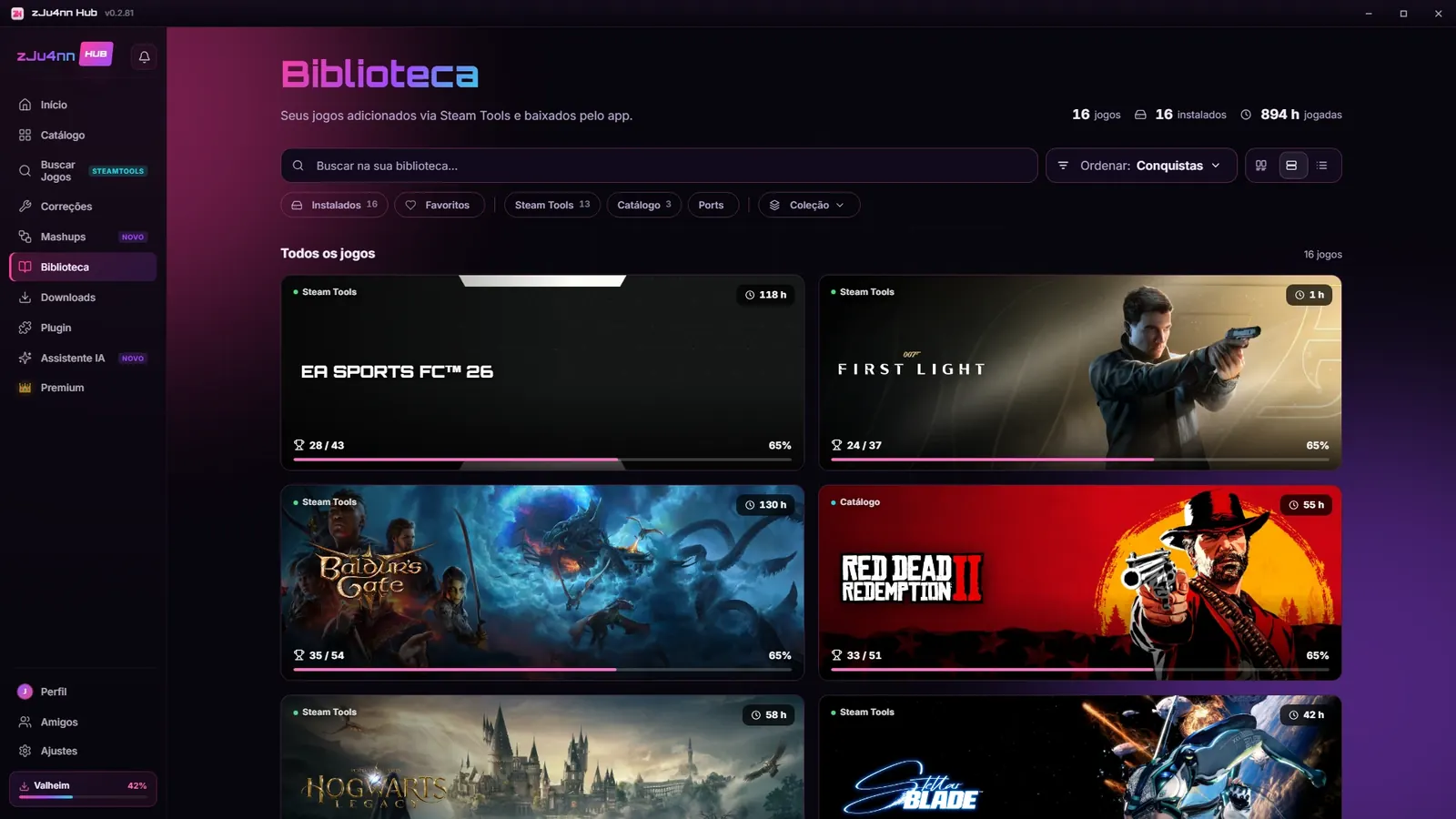
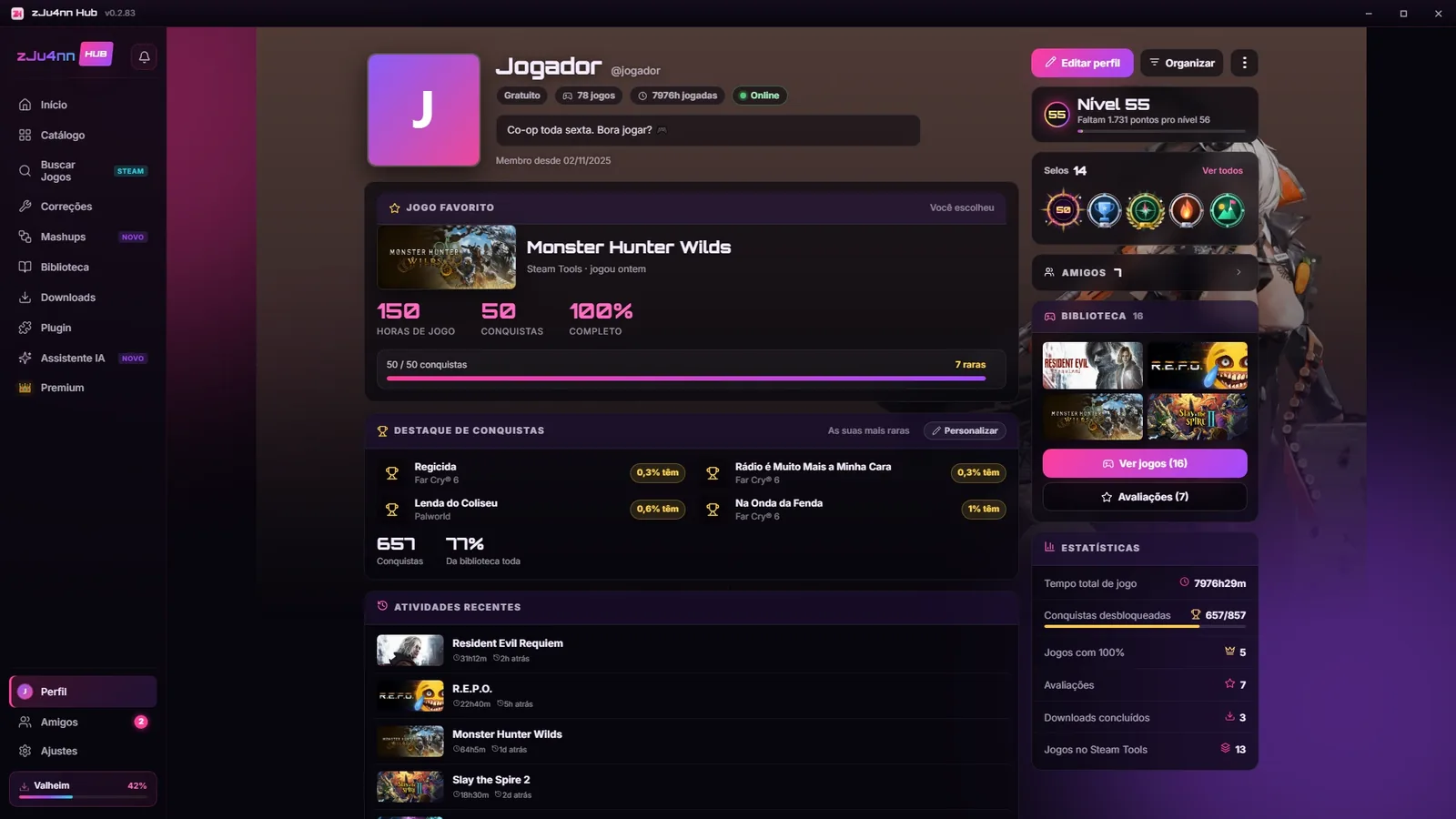
From “what do I play now?” to “I beat it!”. No juggling a thousand sites, no hunting for folders.
Zelda Ocarina of Time, Super Mario 64, Metroid Prime and 17 more classics running natively on PC, no emulator. Point the Hub to your copy of the game and it downloads, sets up and launches it.
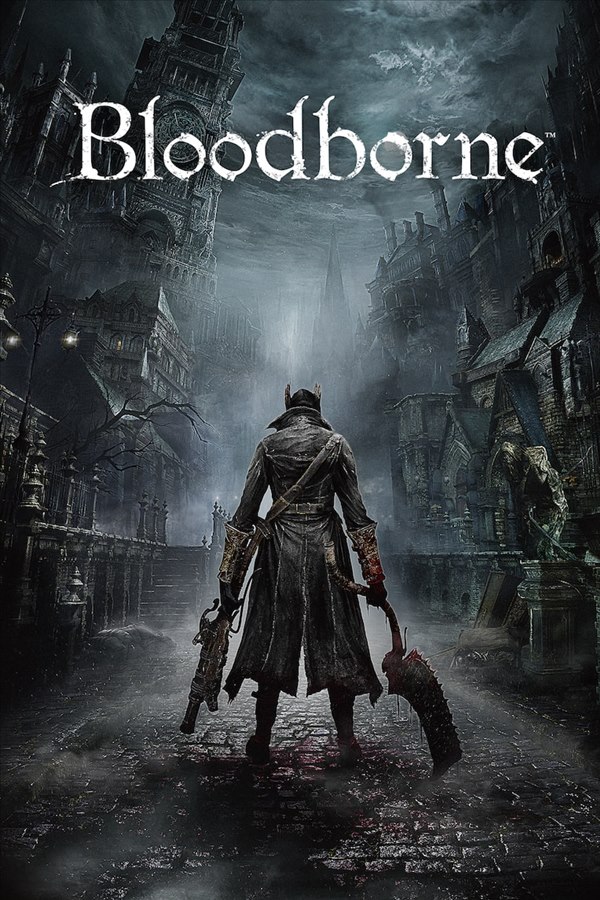
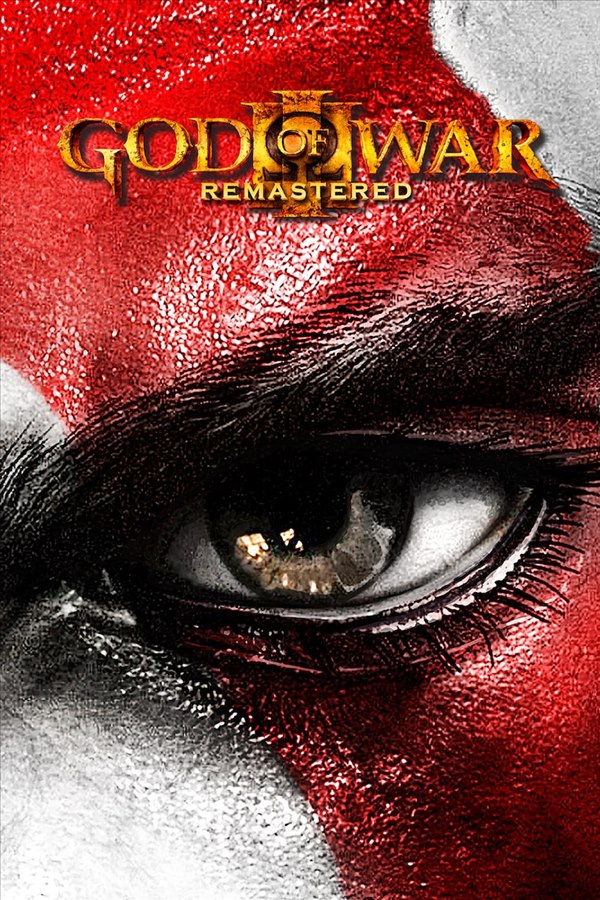
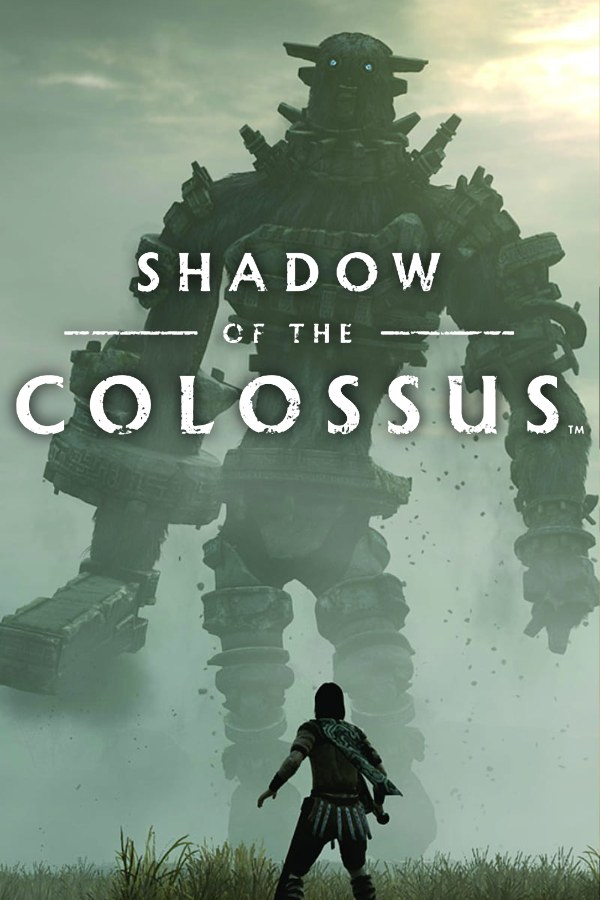
Bloodborne, God of War III and Shadow of the Colossus running on PC, no emulator. The Hub guides you the first time.
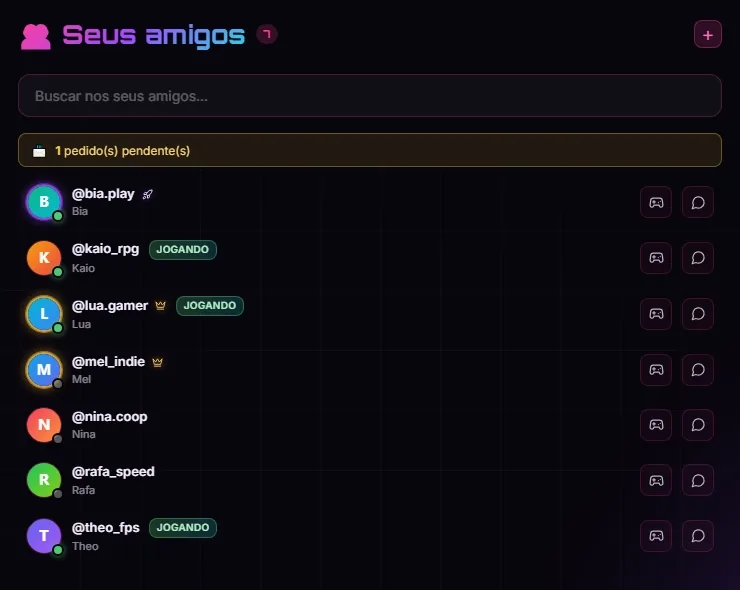
See who’s online, what each of them is playing, and chat without leaving the Hub.
Every hour played and every achievement turns into points. Level up, earn badges all the way to Supreme at level 200, and give your profile an animated background.
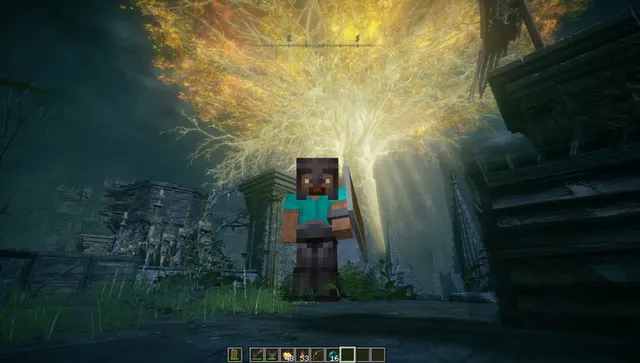
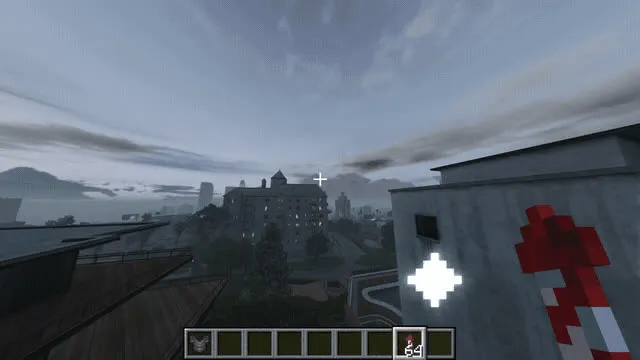
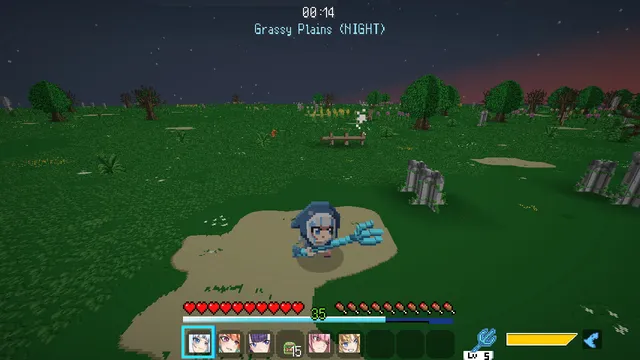
Minecraft inside Elden Ring, GTA V with blocks and much more. The Hub downloads, installs and launches everything in one click, and backs up your saves first.
See the mashups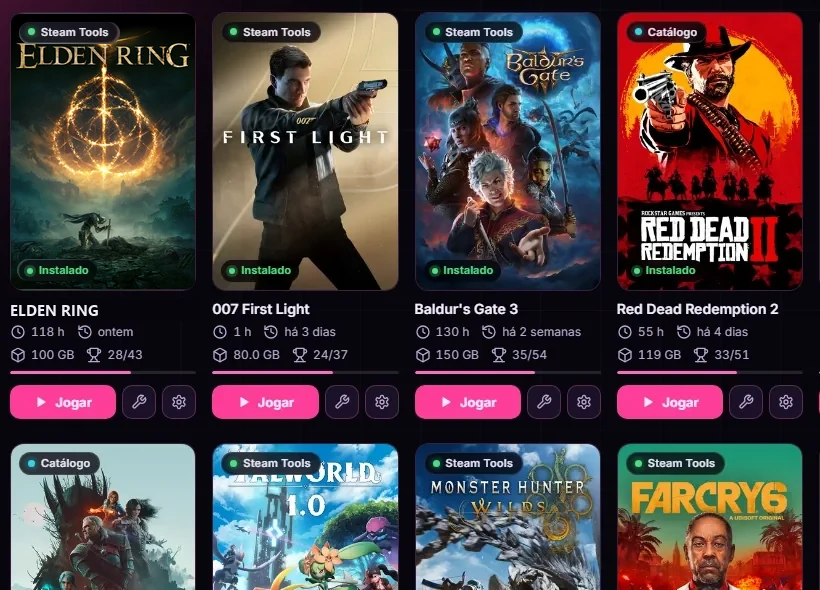
All your games in one place. The Hub tracks playtime, achievements and disk space for each one on its own. Hit 100%? The card turns gold.
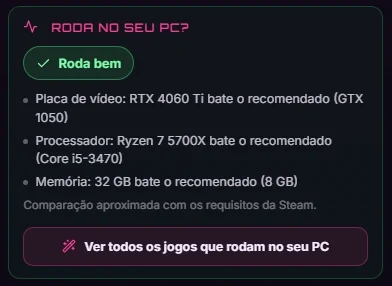
Every game tells you if it runs well on your machine, part by part. Free for everyone.
Close the game and your save uploads on its own. Reinstalled Windows or switched PCs? It comes back and you pick up where you left off.
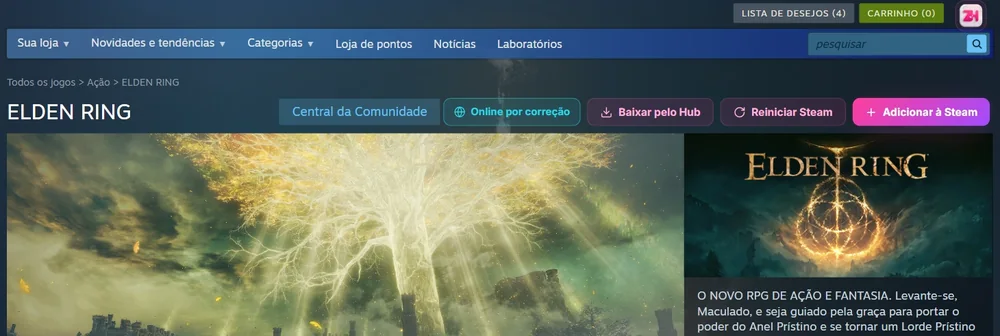
Opened a game on the Steam store? The Hub buttons show up right there: download it, add it to your Steam and unlock online play. Turn it on with one click in the Plugin tab (Windows).
Pick one of 7 themes or make your own. And the Hub speaks English, Spanish and Portuguese.
Yes. The app is free forever, with no ads. Premium is optional, for those who want cloud saves and other extras.
That’s normal: the app doesn’t have the paid certificate that removes this warning yet. It’s safe, and every version is on the official GitHub. To continue: click More info and then Run anyway.
It’s safe: version 0.2.84 went through the 58 antivirus engines on VirusTotal and none found a problem. When a warning does show up, it’s because the installer doesn’t have the paid digital signature yet, and some antivirus programs distrust any program without it. Only download it from this site or the official GitHub: the buttons here go straight there.
Yes. Just download the AppImage version. The console games on PC (Bloodborne and God of War III) are still experimental on Linux.
Yes. It speaks English, Spanish and Portuguese. You can switch anytime in the Hub’s Settings.
No. You log in with your Discord — no new password. That’s how the Hub keeps your library and your friends.
On Games & Fixes, in the menu at the top.
Sometimes Windows protection stops the Hub from writing to the Documents folder. Pick another download folder
in the Hub settings (like C:\Games) or allow zJu4nn Hub in your antivirus.
zJu4nn Hub is an independent project made in Brazil by zJu4nn, who also makes zJu4nn Client, a Minecraft client. They are two different programs: the Hub is for PC games; the Client is only for Minecraft.
Free, light and made in Brazil.